

Starting with Mobile-First Design Principles
Begin with the smallest screen and scale up. We cover why this approach works better and how to structure your CSS from the ground up.
Read MoreAdaptive layout strategies, touch-friendly navigation, and screen breakpoint design principles for modern digital experiences

Learn the fundamentals and advanced techniques for building responsive experiences
Begin with the smallest screen and scale up. We cover why this approach works better and how to structure your CSS from the ground up.
Read More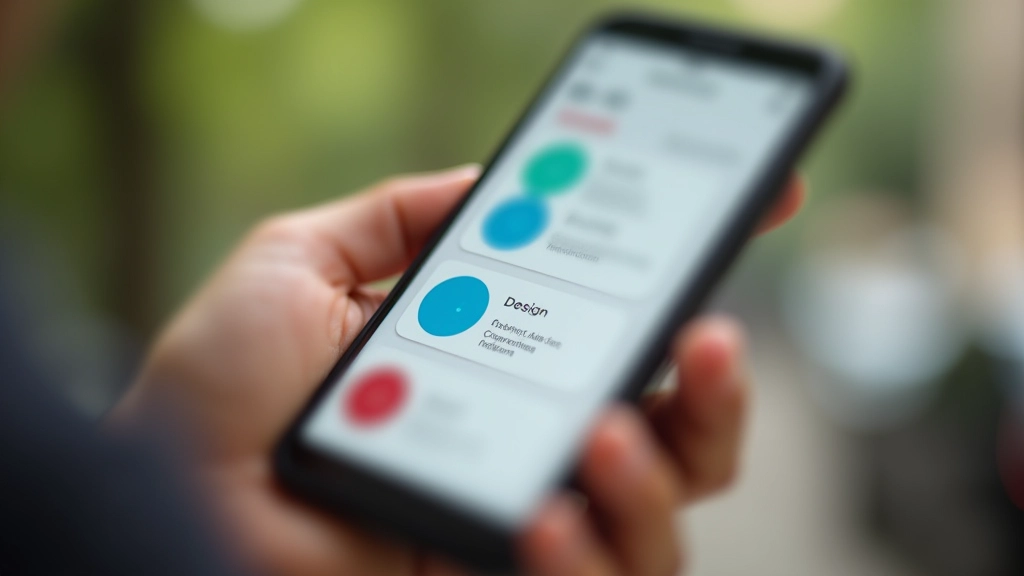
Buttons, menus, and interactions sized for thumbs. Avoid the common mistakes that frustrate mobile users and improve accessibility.
Read More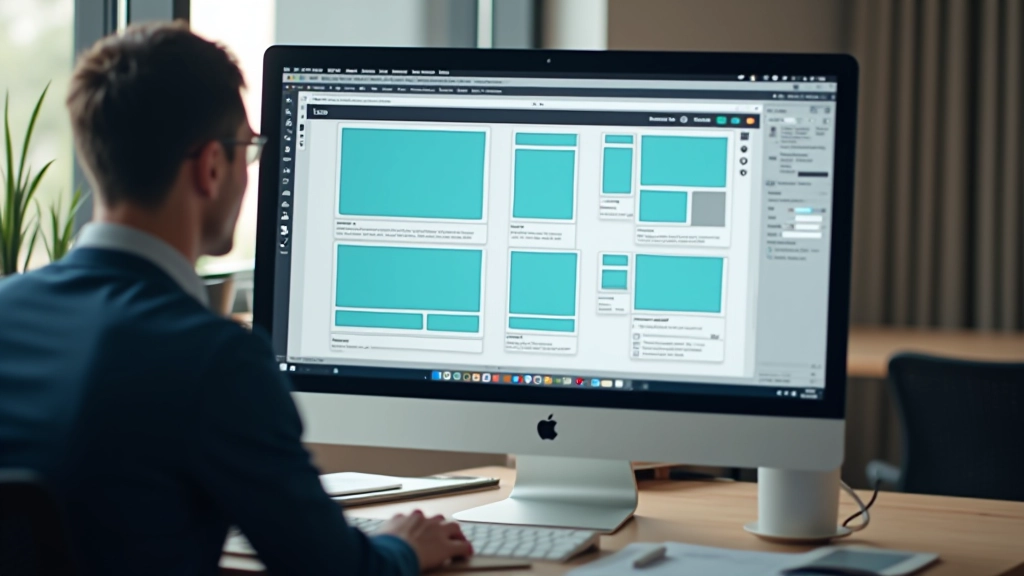
Which breakpoints should you use? Common mistakes, modern approaches, and why one-size-fits-all breakpoints don’t work anymore.
Read More
Images that look good everywhere. Learn responsive image techniques, picture elements, and avoiding layout shift problems.
Read More“Mobile isn’t the future of the web. It’s the present. When you’re designing for mobile first, you’re not designing for a constraint — you’re designing for the reality of how people actually use the internet today.”
In Malaysia, mobile devices account for the majority of web traffic. Designing mobile-first isn’t just a trend — it’s practical necessity. When you start with mobile constraints, you’re forced to prioritize content and functionality. This discipline carries over to larger screens, creating better experiences everywhere.
The approach also improves performance. Mobile-first CSS is naturally more efficient, and progressive enhancement means your site works on older devices. Users on slower connections benefit too.
A practical approach to building responsive designs that actually work
Design for 320px width first. Understand your content on the smallest screens. No unnecessary decorations — only what matters.
Choose breakpoints based on your content, not arbitrary device sizes. Use min-width media queries and progressively enhance from there.
Test on real devices across your chosen breakpoints. Emulators help but don’t replace testing on actual phones and tablets.
Performance matters on mobile. Compress images, minimize CSS, and use efficient layout techniques that don’t cause layout shifts.